You’ve completed the work. Your customer is ready to pay. But the invoice is still sitting on your office computer.
For many small business owners, freelancers and shopkeepers, billing happens between meetings, customer calls, deliveries and a hundred other tasks. When invoices are delayed or payment records are scattered across WhatsApp messages and notebooks, it becomes harder to know what has been billed—and what is still outstanding.
The good news? You can manage much of your invoicing from your mobile phone.
In this guide, we’ll explain how mobile invoicing works, what to include in an invoice and how to build a simpler billing process for your business.
What is mobile invoicing?
Mobile invoicing means creating, managing and sharing invoices using your smartphone or tablet.
For example, a business owner can:
- Create a quotation for a customer.
- Convert it into an invoice after the customer accepts.
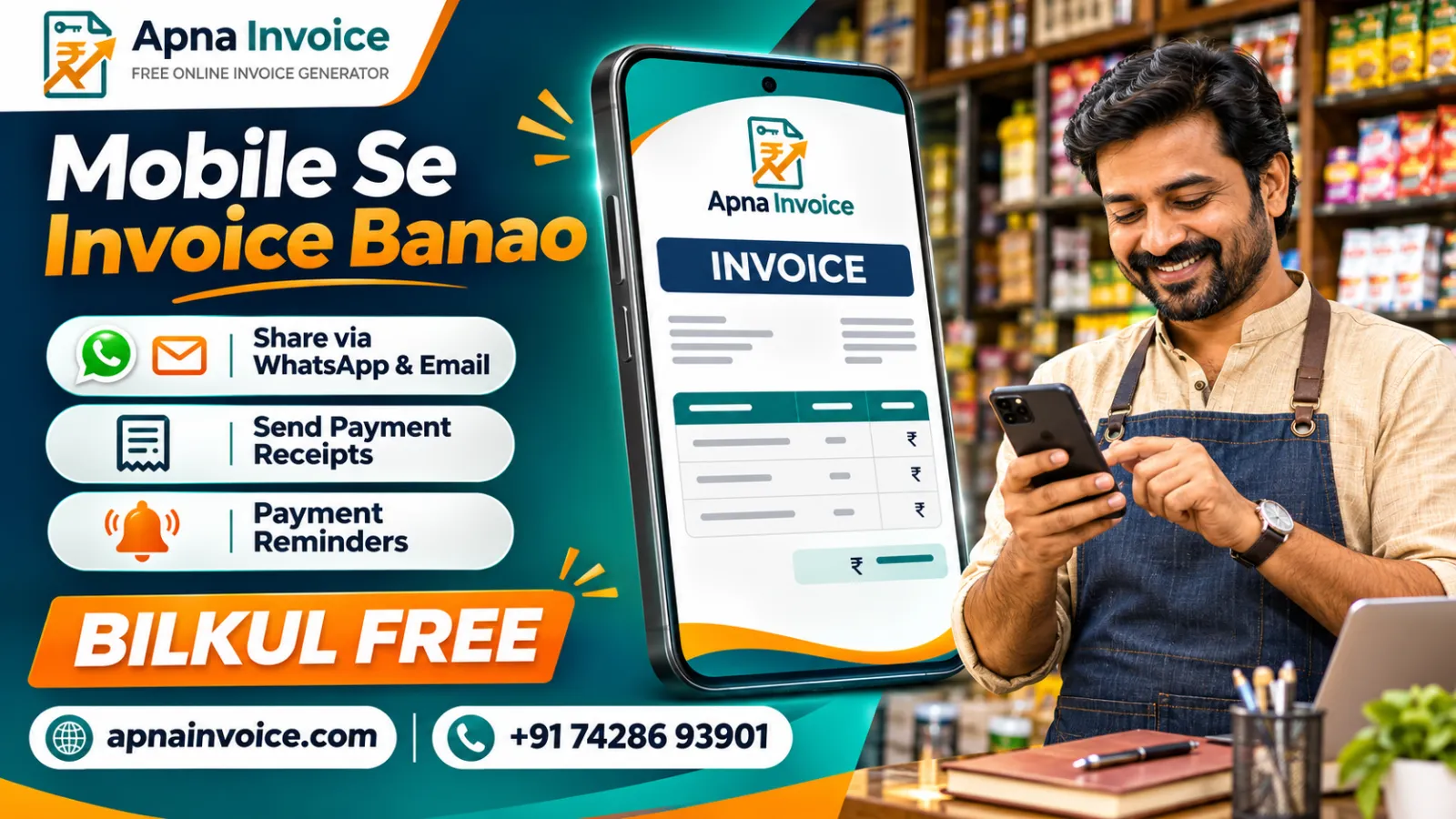
- Share the invoice through WhatsApp or email.
- Record a full or partial payment.
- Send a receipt and follow up on any remaining balance.
A browser-based tool such as Apna Invoice lets you manage this workflow from a phone, tablet or computer. Apna Invoice
Why is mobile invoicing useful for small businesses?
Imagine you run a wholesale business. A customer places an order while you’re visiting a supplier. Instead of waiting to return to the office, you can prepare and share the invoice from your phone.
That can help you:
- Respond sooner: Share the invoice while the transaction is still fresh.
- Keep records organised: Find invoices and customer details in one place.
- Track outstanding payments: See what has been paid and what remains due.
- Reduce repeated work: Save customer details for future invoices.
- Work from anywhere: Access your billing system at your shop, office or on the move.
Mobile invoicing can be useful for retailers, freelancers, agencies, consultants, wholesalers and other small businesses.
How to create an invoice from your mobile
Step 1: Create your account
Visit Apna Invoice on your mobile browser and create an account. You can use the service on a phone, tablet or computer.
Step 2: Add your business details
Enter your business name, address, contact details and GSTIN, if applicable. You can also add your logo to give your invoices a professional appearance.
Step 3: Add your customer and items
Enter the customer’s details, then add the products or services, quantities and prices. For GST invoices, review the applicable tax details and enter the correct HSN or SAC information where required.
Step 4: Review and issue the invoice
Before issuing the invoice, check the customer name, item details, amounts and taxes. Once ready, generate the invoice and share it with your customer.
For a detailed walkthrough, read the step-by-step guide to creating an invoice. Apna Invoice
What should a professional invoice include?
The exact details depend on your business, the transaction and the type of invoice. As a practical starting point, check for:
- Your business name and contact details
- Customer name and relevant billing details
- Invoice number and date
- Description of goods or services
- Quantity, rate and total amount
- Applicable tax information
- Payment terms and due date
If your business issues GST tax invoices, ensure the invoice contains the details applicable to your transaction. When in doubt about GST treatment or required fields, consult your accountant or tax adviser.
You can also explore this GST invoice format guide for a closer look at invoice fields.
How to share an invoice on WhatsApp or email
After issuing an invoice, send it through the channel your customer uses most.
With Apna Invoice, you can share invoices through WhatsApp, email or a link. The platform also supports invoice PDFs, making it easier for customers to view and keep a copy. Apna Invoice
A message can be simple and professional:
Hello [Customer Name], Please find your invoice for [product/service]. The amount due is ₹[amount], payable by [date]. Please let us know if you need any clarification. Thank you!
Tip: Include the invoice number in your message so both you and your customer can find it easily later.
How to manage partial payments and receipts
Not every customer pays an invoice in one transaction. Some businesses receive an advance first and the remaining amount later.
For example:
| Invoice amount | Payment received | Balance |
|---|---|---|
| ₹25,000 | ₹10,000 | ₹15,000 |
Keeping a clear record of the partial payment helps you avoid asking the customer to pay an amount they have already settled.
Apna Invoice supports recording full and partial payments and generating payment receipts. You can review the available options on the features page. Apna Invoice
How to send a polite payment reminder
Following up on an unpaid invoice can feel uncomfortable, especially when the customer is someone you work with regularly. A clear, courteous reminder keeps the conversation professional.
Here’s an example:
Hello [Customer Name], I hope you’re doing well. This is a friendly reminder that invoice [Invoice Number] for ₹[Amount] was due on [Due Date]. Please let us know once the payment has been made, or if you need a copy of the invoice. Thank you!
Apna Invoice offers payment reminder tools, including email reminders and WhatsApp follow-up options. You can learn more in this guide to sending invoices and reminders through WhatsApp. Apna Invoice
Five common invoicing mistakes to avoid
1. Sending an invoice without reviewing customer details
A misspelled business name, incorrect address or wrong GSTIN can lead to corrections and delays. Review customer details before issuing the invoice.
2. Forgetting to mention the due date
A customer should not have to guess when payment is expected. Agree on payment terms and make them clear on the invoice.
3. Losing track of part payments
If a customer pays in instalments, update the payment record each time. This makes the outstanding balance easier to explain.
4. Using inconsistent invoice records
Keeping different versions across spreadsheets, messages and notebooks can create confusion. Use a consistent process for creating, storing and sharing invoices.
5. Waiting too long to follow up
A polite reminder helps bring an overdue invoice back to the customer’s attention. Keep the message factual and include the invoice number, amount and due date.
Why choose Apna Invoice?
Apna Invoice is designed for Indian businesses that want a simpler way to create invoices and manage billing.
Depending on your needs, you can use it to:
- Create GST and non-GST invoices.
- Share invoices through WhatsApp, email or a link.
- Record full and partial payments.
- Generate payment receipts.
- Send payment reminders.
- Save customer details.
- Create quotations and credit notes.
- Access your billing information from your mobile browser.
Apna Invoice is currently free during beta. Check the website for the latest plan details and terms. Apna Invoice
Frequently asked questions
Can I create an invoice from my mobile phone?
Yes. You can open Apna Invoice in your mobile browser, add your business and customer details, and create and share an invoice online.
Can I share an invoice through WhatsApp?
Yes. Apna Invoice supports WhatsApp sharing, as well as email and invoice-link sharing. Apna Invoice
Can I create invoices if my business is not GST-registered?
Apna Invoice supports billing workflows for GST and non-GST businesses. Choose the appropriate invoice type and make sure the information you enter reflects your business and transaction.
Can I track partial payments?
Yes. You can record a part payment and keep track of the remaining balance.
Is Apna Invoice free?
Apna Invoice is currently free during beta. Visit apnainvoice.com for the latest pricing and offer details.
Make your next invoice easier
Your business deserves a billing process that keeps up with you. Whether you’re at your shop, meeting a client or working from home, having invoices and payment records in one place can make everyday work simpler.
Ready to get started? Visit Apna Invoice and create your next invoice online.
📞 Questions? Contact Apna Invoice at +91 74286 93901.