For most GST-registered businesses in India, generating invoices is only the beginning of GST compliance. The information recorded in your invoices must also be correctly reported in GSTR-1 and GSTR-3B.
A mismatch between your sales register, GSTR-1 and GSTR-3B may result in incorrect tax payments, reconciliation problems, notices or difficulties for customers claiming input tax credit.
This guide explains the difference between GSTR-1 and GSTR-3B, how they are connected and how Indian businesses can reconcile them before filing their GST returns.
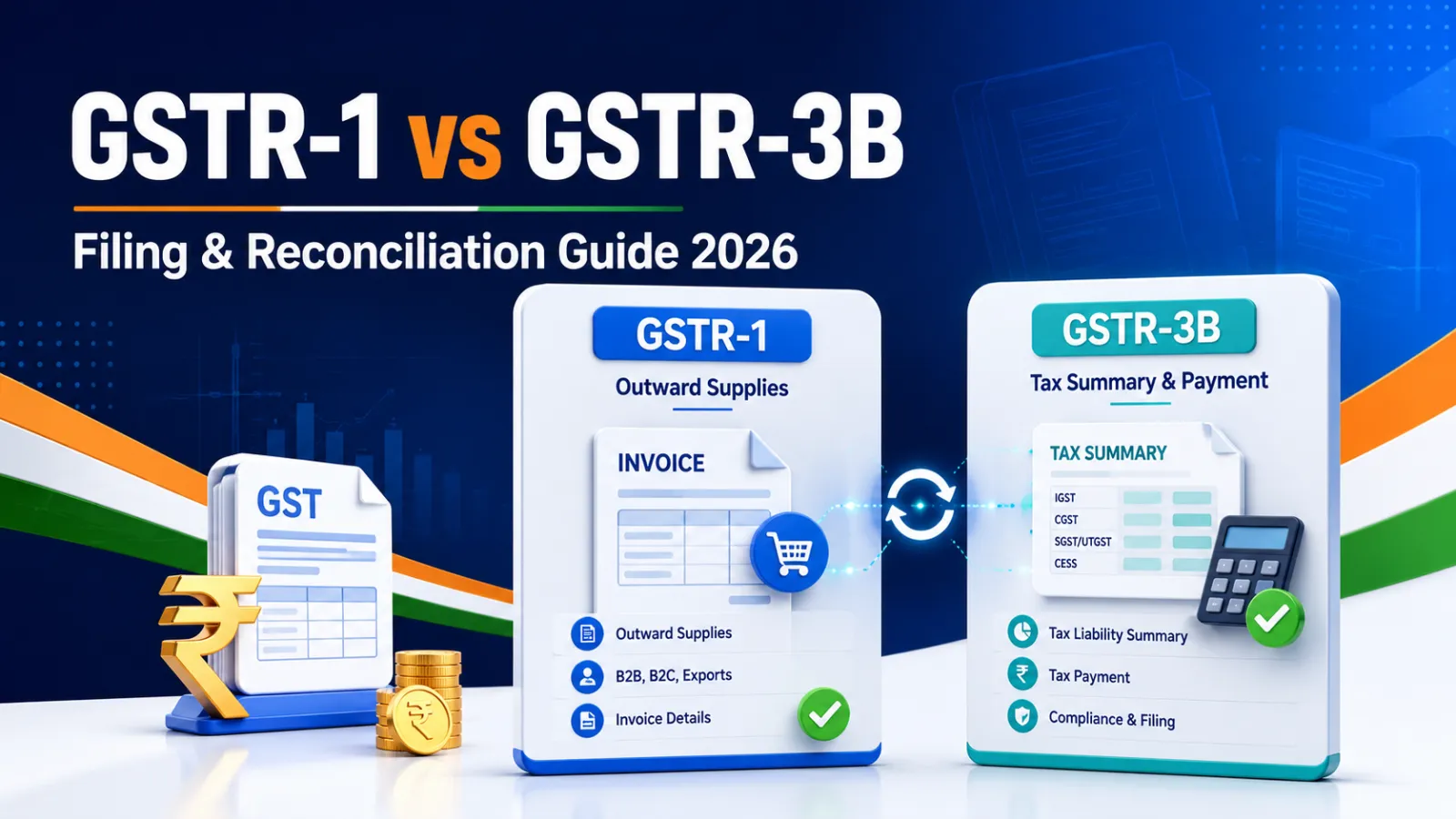
GSTR-1 vs GSTR-3B: Quick Comparison Particular GSTR-1 GSTR-3B Purpose Reports details of outward supplies and sales invoices Summarises GST liability, eligible ITC and tax payable Information covered B2B invoices, B2C sales, exports, credit notes and debit notes Outward tax liability, reverse charge, ITC, exempt supplies and tax payment Level of reporting Invoice-level and consolidated details Summary-level information Tax payment No tax is paid through GSTR-1 GST liability is discharged through GSTR-3B Main data source Sales invoices and credit/debit notes GSTR-1/1A, GSTR-2B and accounting records Correction facility GSTR-1A may be used before filing GSTR-3B for the same period Corrections generally need to be handled according to applicable GST rules Main risk Missing or incorrect invoice details Incorrect liability, ITC claim or tax payment
In simple terms, GSTR-1 tells the government what you sold, while GSTR-3B tells the government how much tax you owe, how much eligible input tax credit you are claiming and how much tax you are paying.
What Is GSTR-1?
GSTR-1 is a statement containing details of outward supplies made by a GST-registered taxpayer during a tax period.
It generally includes:
B2B invoices issued to GST-registered customers B2C sales Interstate and intrastate supplies Export and SEZ supplies, where applicable Credit notes and debit notes Amendments to previously reported invoices Nil-rated, exempt and non-GST outward supplies Advances and adjustments, where applicable HSN or SAC-wise summary
The details reported by a supplier can affect the recipient’s input tax credit records. Therefore, an incorrect GSTIN, invoice number, taxable value or tax amount can create problems for both the supplier and the customer.
Businesses can reduce these errors by creating every bill through a structured GST invoice format instead of manually copying old Excel files.
What Is GSTR-3B?
GSTR-3B is a summary GST return used to declare tax liability, claim eligible input tax credit and pay the net GST liability for a tax period.
It generally includes:
Taxable outward supplies Zero-rated supplies Exempt and nil-rated supplies Inward supplies liable to reverse charge Eligible input tax credit ITC reversals and ineligible ITC Interest and late fees, where applicable Tax payable and tax paid
The GST portal auto-populates several GSTR-3B values using information from GSTR-1, GSTR-1A and GSTR-2B. However, taxpayers should still verify the figures with their accounting records before filing.
According to the official GST Portal guidance, the system-generated GSTR-3B is intended to minimise errors and support reconciliation. The taxpayer remains responsible for the accuracy of the return.
What Is GSTR-1A?
GSTR-1A is an optional amendment facility available after filing GSTR-1 or after the applicable GSTR-1 due date, whichever is later.
It can be used to:
Add an invoice missed in GSTR-1 Correct an invoice reported with incorrect information Add a missing credit or debit note Amend outward-supply details before filing GSTR-3B
GSTR-1A can generally be filed only once for a particular tax period and must be filed before GSTR-3B for that period.
Changes reported in GSTR-1A are reflected in the taxpayer’s GSTR-3B. However, according to the GST Portal’s GSTR-1 guidance, the recipient may see the related ITC effect in the following tax period’s GSTR-2B.
Why Should GSTR-1 and GSTR-3B Be Reconciled?
The outward tax liability declared in GSTR-3B should be consistent with the sales and tax information reported through GSTR-1 and GSTR-1A.
Consider this example:
Taxable sales recorded in the sales register: ₹10,00,000 GST liability recorded in the sales register: ₹1,80,000 GST liability reported in GSTR-1: ₹1,80,000 GST liability reported in GSTR-3B: ₹1,62,000
In this case, there is a difference of ₹18,000 between GSTR-1 and GSTR-3B.
This difference may arise because an invoice was omitted from GSTR-3B, an incorrect tax rate was applied, a credit note was adjusted incorrectly or a manual entry was made without checking the sales register.
Regular reconciliation helps a business:
Pay the correct GST liability Avoid under-reporting or over-reporting sales Identify missing and duplicate invoices Correct GSTIN and place-of-supply errors Reduce customer complaints about missing ITC Maintain accurate books for annual returns and audits Respond more easily to GST queries or notices How to Reconcile GSTR-1 and GSTR-3B Step 1: Finalise the Sales Register
Prepare a complete sales register for the tax period. It should include:
Invoice number and date Customer name and GSTIN Place of supply Taxable value CGST, SGST, IGST and cess HSN or SAC code Credit and debit notes Cancelled invoices Advances and adjustments, where applicable
Using sequential invoice numbers makes it easier to identify missing or duplicated bills. A proper GST billing software can maintain financial-year-wise invoice numbering automatically.
Step 2: Check Every Invoice for GST Errors
Before uploading or entering invoice details, verify:
Customer GSTIN Invoice number and date Taxable amount GST rate Place of supply HSN or SAC code Correct CGST and SGST or IGST classification Reverse-charge status, where applicable
For an intrastate supply, GST is normally divided into CGST and SGST. For an interstate supply, IGST normally applies.
You can use the free Apna Invoice GST Calculator to check GST-inclusive, GST-exclusive, CGST, SGST and IGST calculations.
Step 3: Compare the Sales Register With GSTR-1
Compare the following totals:
Total taxable turnover B2B taxable turnover B2C taxable turnover Interstate supplies Intrastate supplies Zero-rated and exempt supplies Credit and debit notes CGST, SGST, IGST and cess
Do not compare only the grand total. An equal total can still hide errors—for example, one B2B invoice may be missing while an unrelated B2C amount is overstated.
Step 4: Use GSTR-1A for Eligible Corrections
If an invoice was missed or incorrectly reported in GSTR-1, check whether it can be corrected through GSTR-1A before filing GSTR-3B.
Because GSTR-1A is an optional facility with specific conditions, businesses should review important corrections with their accountant or tax adviser.
Step 5: Compare GSTR-1/1A Liability With GSTR-3B
Match the outward tax liability reported in GSTR-1 and GSTR-1A with the relevant tables of GSTR-3B.
Investigate differences caused by:
Missing invoices Duplicate invoices Incorrect amendments Credit notes entered in the wrong period Advances or advance adjustments Reverse-charge transactions Incorrect place of supply Wrong GST rate Rounding differences
Document the reason for every material difference instead of changing the GSTR-3B figure without supporting records.
Step 6: Reconcile Input Tax Credit With GSTR-2B
GSTR-1 reconciliation checks outward liability. You should separately reconcile purchase records and eligible ITC with GSTR-2B before claiming ITC in GSTR-3B.
Check:
Supplier GSTIN Supplier invoice number and date Taxable value and GST amount Whether the invoice appears in GSTR-2B Whether goods or services were received Whether ITC is eligible under GST law Reversals required under applicable rules Duplicate ITC claims
Do not claim ITC solely because an invoice appears in GSTR-2B. Eligibility conditions should also be reviewed.
Step 7: Save the Reconciliation Report
Maintain a period-wise reconciliation file containing:
Sales register GSTR-1 summary GSTR-1A details, if filed System-generated GSTR-3B Filed GSTR-3B GSTR-2B Difference report Explanations and supporting documents
Good records make month-end filing, annual reconciliation and GST notice management considerably easier.
Common Reasons for GSTR-1 and GSTR-3B Mismatch
- Missing Sales Invoice
An invoice may be entered in the accounting system but omitted from GSTR-1 or GSTR-3B.
- Incorrect Customer GSTIN
A typing error can cause a B2B invoice to appear against the wrong customer or fail validation.
- Wrong Place of Supply
Charging CGST and SGST instead of IGST—or the reverse—creates tax-head differences.
- Credit Note Reported Incorrectly
A credit note may be recorded in the books but omitted from the GST return, entered twice or adjusted in the wrong tax period.
- Incorrect GST Rate
Applying 12% instead of 18%, for example, changes both invoice value and tax liability.
- Duplicate Invoice
Manual Excel and PDF processes can result in the same invoice being recorded more than once.
- Wrong Tax Period
An invoice may be included in the books for one month but reported in a different GST period.
- Manual Changes in GSTR-3B
Changing auto-populated figures without maintaining proper reconciliation can create an unexplained difference.
Monthly GST Filing Checklist for Businesses
Before filing GSTR-1:
Confirm that all sales invoices are recorded Check the invoice-number sequence Verify GSTINs and place of supply Review B2B and B2C classification Confirm HSN and SAC codes Check CGST, SGST and IGST calculations Include applicable credit and debit notes Compare GSTR-1 with the sales register
Before filing GSTR-3B:
Review GSTR-1 and GSTR-1A liability Download the system-generated GSTR-3B Reconcile GSTR-2B with purchase records Verify eligible and ineligible ITC Check reverse-charge liability Review exempt and nil-rated supplies Investigate every material mismatch Confirm the available cash and credit-ledger balance Save the final reconciliation and filing acknowledgement
GST return due dates may vary according to the taxpayer’s filing frequency, state, QRMP eligibility and government notifications. Always confirm the applicable date on the official GST portal.
How Apna Invoice Simplifies GST Record-Keeping
Manual billing makes GST reconciliation difficult because invoice details are often scattered across spreadsheets, PDFs, WhatsApp messages and emails.
Apna Invoice helps Indian freelancers, shops, startups, SMEs and MSMEs maintain structured billing records by providing:
GST-compliant invoice formats Automatic CGST, SGST and IGST calculations Customer GSTIN and state records HSN and SAC fields Financial-year-aware invoice numbering Credit-note management Payment and outstanding tracking GSTR-1-friendly CSV exports GSTR-3B summaries PDF and CSV reports for accountants WhatsApp and email invoice sharing
Instead of recreating invoice details during every filing period, businesses can maintain organised records from the day an invoice is issued.
Create your free Apna Invoice account and start generating professional GST invoices online.
Frequently Asked Questions What is the main difference between GSTR-1 and GSTR-3B?
GSTR-1 contains details of outward supplies and sales invoices. GSTR-3B is a summary return used to declare tax liability, claim eligible input tax credit and pay GST.
Should GSTR-1 and GSTR-3B figures always match?
The relevant outward-supply and tax-liability figures should generally reconcile. Certain legitimate differences may arise due to adjustments, amendments, reverse charge or timing, but every material difference should be identified and documented.
Can GSTR-1 be corrected after filing?
Eligible mistakes or omissions may be corrected through GSTR-1A before filing GSTR-3B for the same period. Other corrections may need to be reported in a subsequent return according to applicable GST rules.
What happens if sales are reported in GSTR-1 but not in GSTR-3B?
This may result in under-reporting of tax liability. The GST portal can compare the liability declared in GSTR-1/1A with the amount reported and paid through GSTR-3B.
Is GSTR-3B automatically filled from GSTR-1?
Several GSTR-3B fields are auto-populated using GSTR-1, GSTR-1A and GSTR-2B data. Taxpayers must still verify the information with their books before filing.
Can Apna Invoice file GST returns directly?
Apna Invoice helps create GST-compliant invoices and provides GSTR-1-friendly exports, GSTR-3B summaries and organised reports. Final verification and filing should be completed on the GST portal, preferably with guidance from a CA or GST professional when required.
Final Thoughts
Accurate GST return filing starts with accurate invoicing.
When invoice numbers, customer GSTINs, HSN or SAC codes, place of supply and tax calculations are correct from the beginning, GSTR-1 and GSTR-3B reconciliation becomes faster and more reliable.
Businesses should not wait until the filing deadline to organise their invoices. Maintain structured records throughout the month, reconcile them before filing and keep supporting reports for future reference.
Ready to simplify GST billing?
Start creating GST-compliant invoices with Apna Invoice—free during beta, with no credit card required.
Disclaimer: This article is for general informational purposes and should not be treated as legal or tax advice. GST rules, forms and due dates may change. Consult a qualified tax professional or refer to the official GST portal for requirements applicable to your business.